| BAN - Solms | ||
 IPCop and HW Preparation
Physically install your WLAN card first. Use lspci and make sure your card is detected and is of the 'type' that you expect.
Make sure that the driver for your card is included with IPCop or get it from some other source. If you do not have a driver, use google, search the IPCop support forums, etc. Do not Email me when looking for a driver. Add a Blue Interface, open a console connection and type setup, and assign the wireless card to Blue: 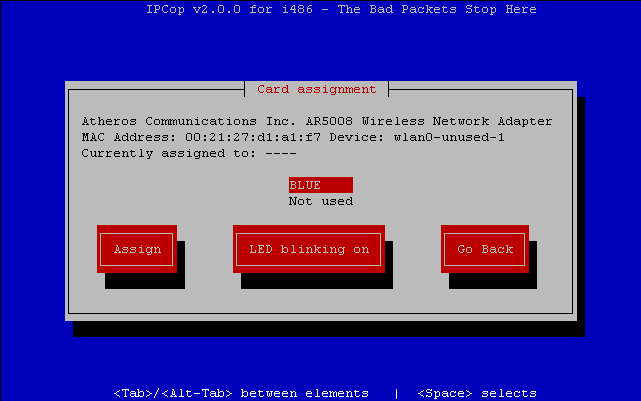 And set IP configuration for Blue: 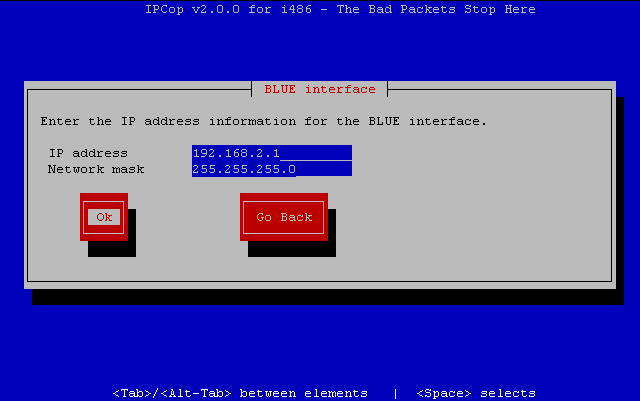 Addon Installation
UpgradingJust follow the steps under Addon Installation, no need to uninstall first. Introduction  Installation
Configuration
Download
Credits and Links
FAQ
Installation
Configuration
Download
Credits and Links
FAQ
|
||
| Last modified: 2014-03-27 |